
Remarque : la connexion de la ampoule Manter nécessite un haut-parleur intelligent.
Spécifications :
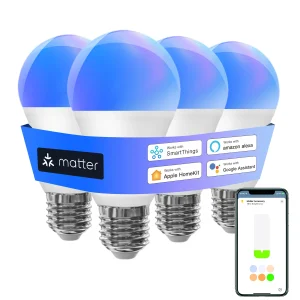
Type : Ampoule intelligente WIFI
Type de base : E27
Puissance : 9W
Tension : 220V
App : Apple Home/Alexa/SmartThings
Couleur émettant : RVB+Blanc+Blanc chaud (3000K-6000K)
Caractéristiques :
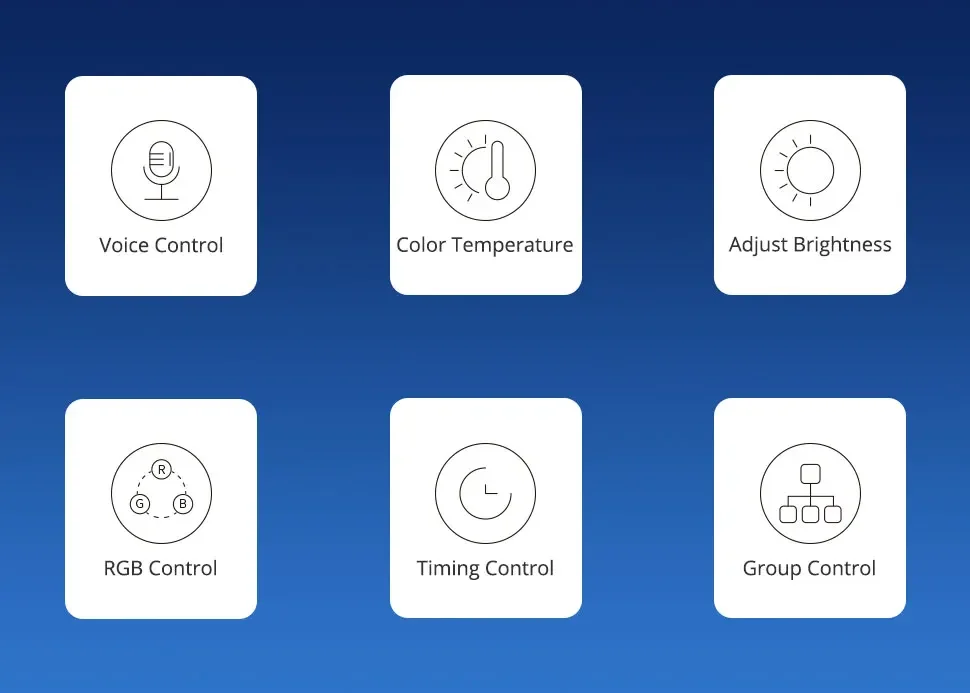
Commande vocale : L’ampoule intelligente est compatible avec Apple HomeKit, Apple Watch, Siri, Alexa Echo, Echo dot, Google Assistant.Contrez votre ampoule intelligente via des commandes vocales, allumer/démarrer facilement ou éteindre/allumez votre lumière LED intelligente.(EU. »Hey Siri, définir la lumière de la chambre au vert »)
Télécommande HomeKit : pour activer la télécommande HomeKit, vous devez utiliser HomePod, Apple TV 4K ou Apple TV HD ou iPad.Définissez ces appareils Apple comme ponts Homekit et le connectez-les à votre réseau WiFi domestique.
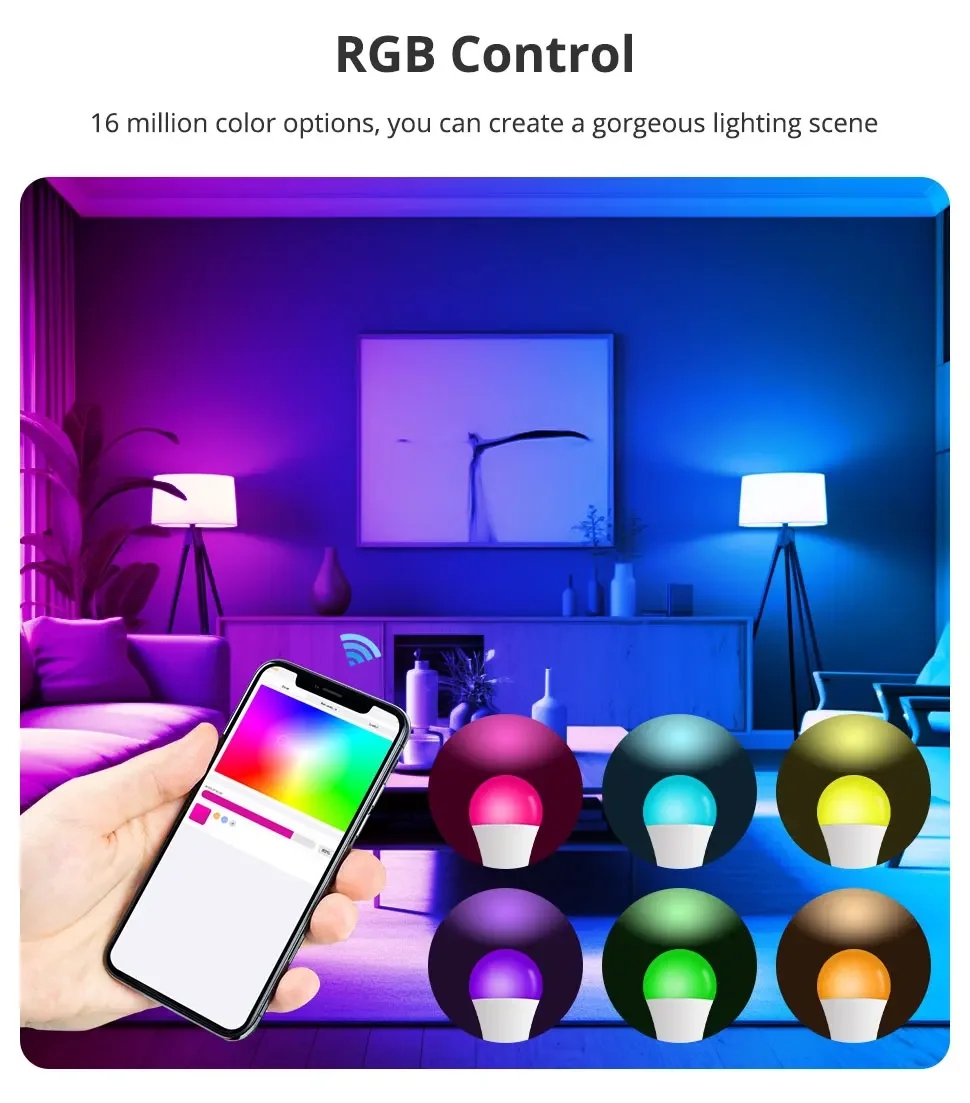
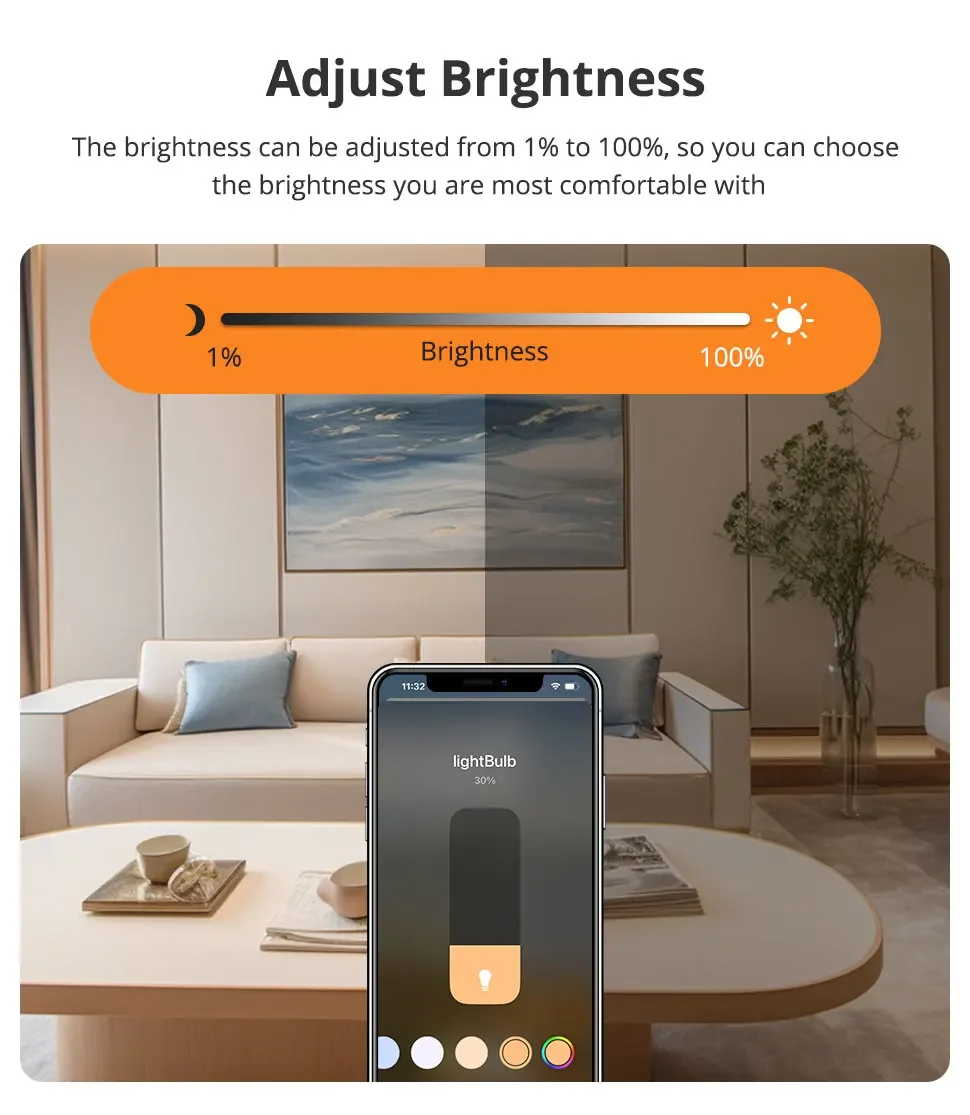
Réglage de l’atmosphère : l’éclairage parfait peut être fixé dans diverses occasions.Réglez la luminosité du blanc chaud/blanc froid (3000K ~ 6000K) à une variété de couleurs rouge, vert et bleu.Par exemple, se transforme sur l’ampoule LED intelligente avant d’arrivée à la maison, pour une lumière intelligente et une fête avec vos amis.
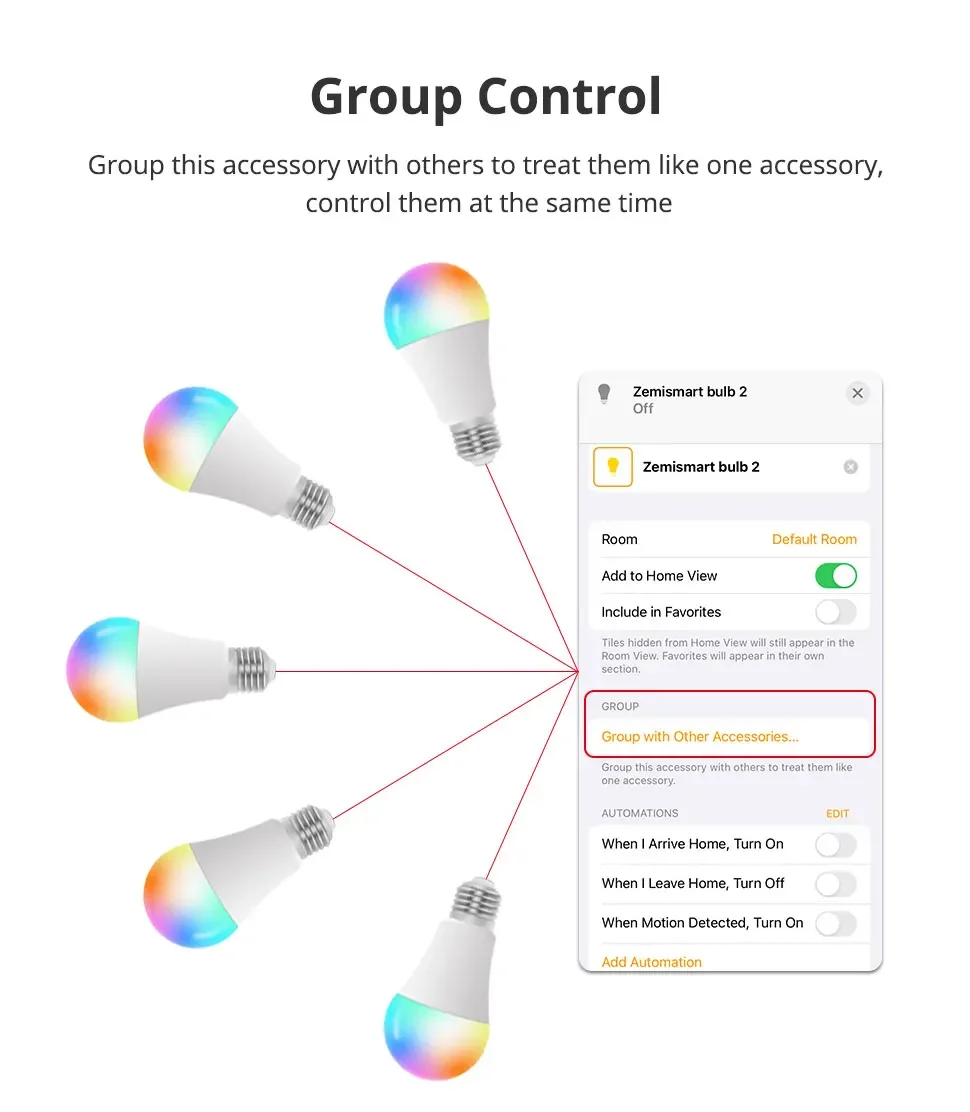
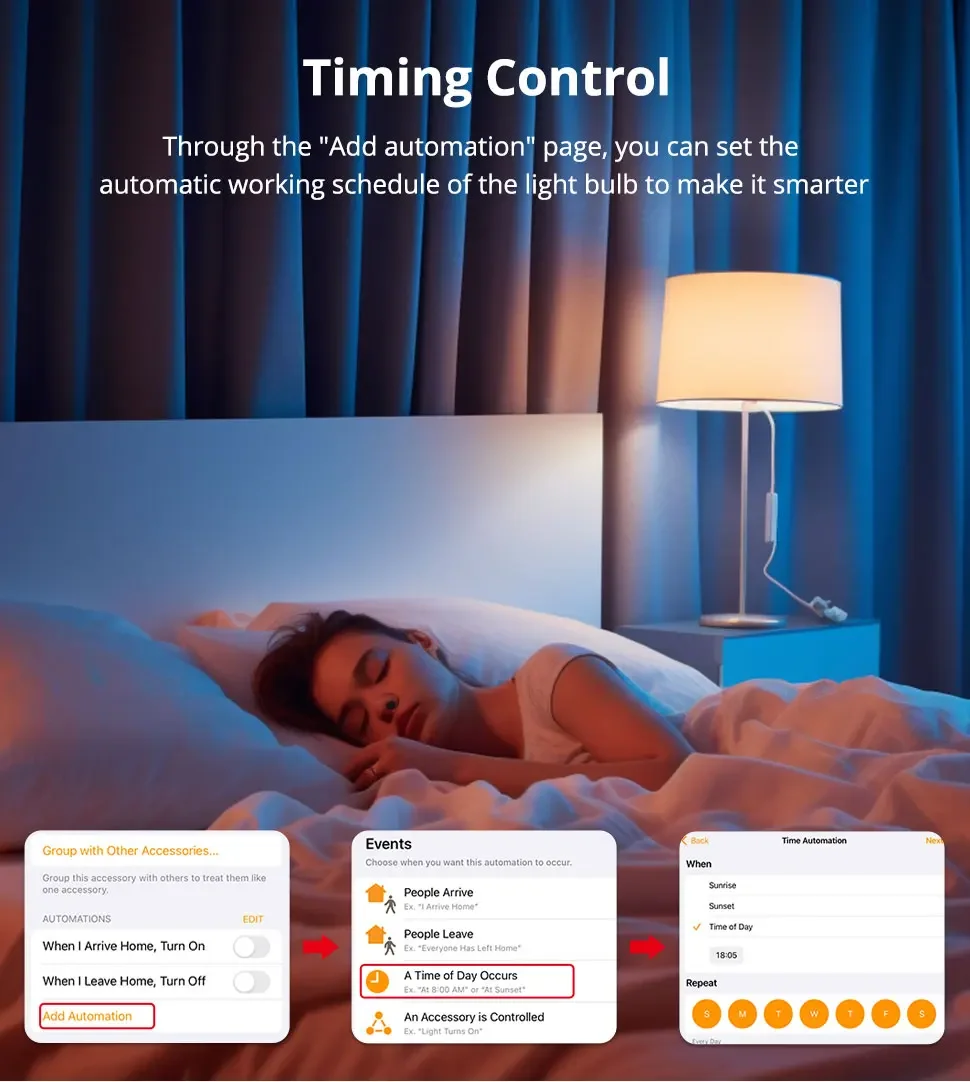
Calendrier : les lumières intelligentes peuvent être on/off automatiquement selon la vie quotidienne.
Conseils–App :
Soyez sûr que vous êtes à l’utiliser un WiFi 2,4 GHz lorsque vous connecte à la ampoule intelligente.Et WiFi doivent être l’état détectable.De nombreux routeurs ont du réseau 5 GHz et 2,4 GHz et votre téléphone a toujours connecte automatiquement au réseau 5 GHz.Donc, vous devez complètement éteindre votre réseau 5 GHz pour devenir vos paramètres du routeur (enter l’adresse IP du routeur dans votre navigateur Internet, parfois comme 192.168.1.1), pour connecter votre téléphone à la connexion au réseau 2,4 GHz.
En plus, le mode de cryptage du routeur doit être le type WPA2-PSK et le type d’authentification doit être AES.
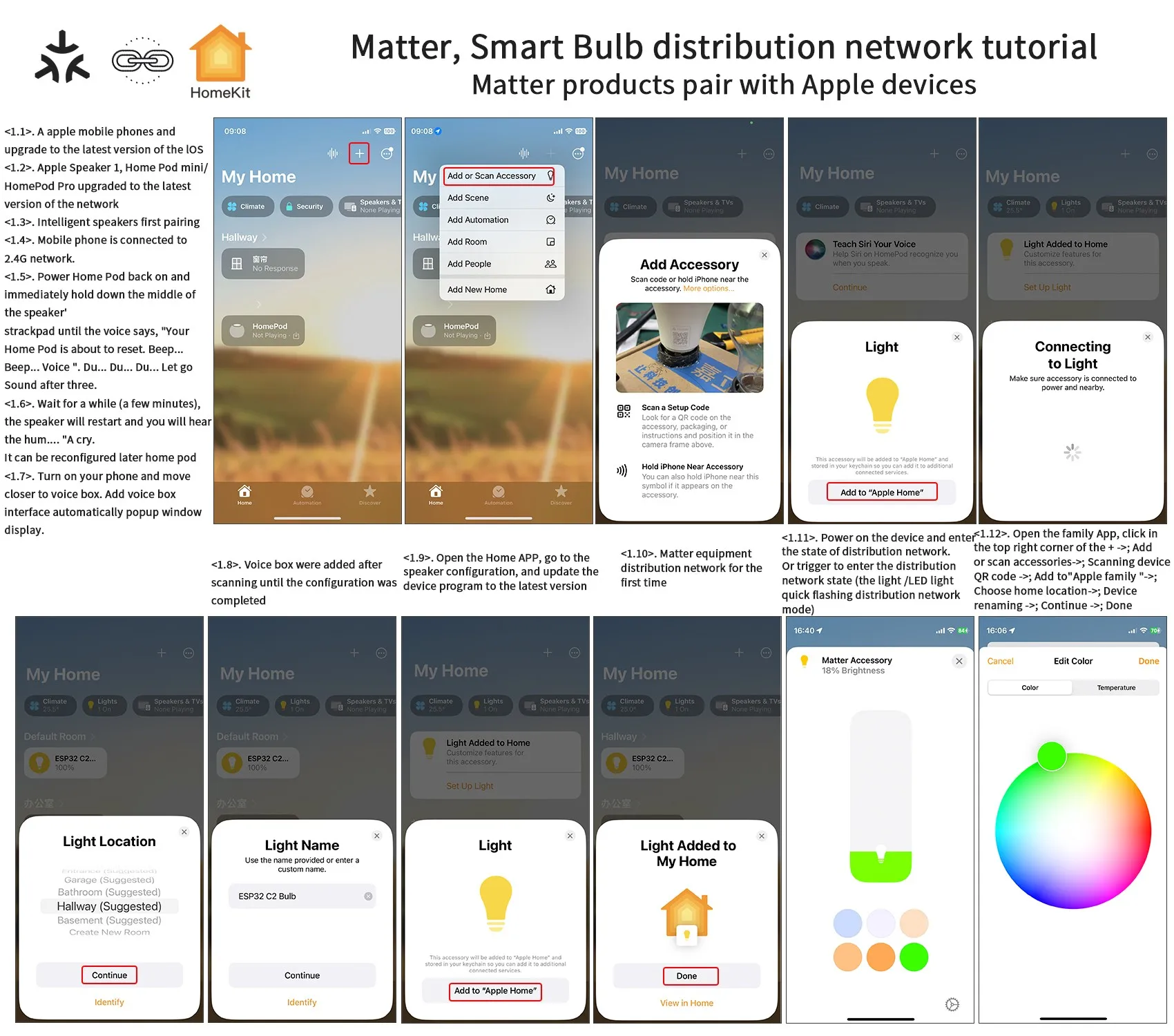
Tutoriel de configuration
Features:
Voice control: The smart bulb is compatible with Apple HomeKit,Apple Watch,Siri,Alexa Echo,Echo dot,Google Assistant. Control your smart light bulb through voice commands,easily turn on/off or dim/illuminate your smart LED light. (E.g. « Hey Siri,set the bedroom light to green »)
HomeKit remote control: To enable the HomeKit remote control,you need to use HomePod,Apple TV 4K or Apple TV HD or iPad. Set these Apple devices as Homekit bridges and connect them to your home WiFi network.
Atmosphere adjustment: perfect lighting can be set in various occasions. Set the brightness from warm white/cool white (3000K~6000K) to a variety of red,green and blue colors. For example,turn on the smart LED light bulb before arriving home,dim the smart light and party with your friends.
Schedule: Smart lights can be turned on/off automatically according to daily life.
Tips–App:
Be sure that you are using 2.4GHz WiFi when connecting with the smart bulb. And WiFi must be detectable status. Many routers have 5 GHz and 2.4 GHz network and your phone will always automatically connect to the 5 GHz network. So,you have to completely turn off your 5 GHz network by going to your router settings (enter the router IP address into your internet browser,usually something like 192.168.1.1),forcing your phone to connect to the 2.4 GHz network.
In addition,the router encryption mode must be WPA2-PSK type and the authentication type must be AES.
Configuration tutorial

Notice:Matter bulb connection requires a smart speaker.
Specifications:
Type: WIFI Smart Light Bulb
Base Type: E27
Power: 9W
Voltage: 220V
App: Apple Home/Alexa/SmartThings
Emitting color: RGB+White+Warm White(3000K-6000K)
Features:
Voice control: The smart bulb is compatible with Apple HomeKit,Apple Watch,Siri,Alexa Echo,Echo dot,Google Assistant. Control your smart light bulb through voice commands,easily turn on/off or dim/illuminate your smart LED light. (E.g. "Hey Siri,set the bedroom light to green")
HomeKit remote control: To enable the HomeKit remote control,you need to use HomePod,Apple TV 4K or Apple TV HD or iPad. Set these Apple devices as Homekit bridges and connect them to your home WiFi network.
Atmosphere adjustment: perfect lighting can be set in various occasions. Set the brightness from warm white/cool white (3000K~6000K) to a variety of red,green and blue colors. For example,turn on the smart LED light bulb before arriving home,dim the smart light and party with your friends.
Schedule: Smart lights can be turned on/off automatically according to daily life.
Tips–App:
Be sure that you are using 2.4GHz WiFi when connecting with the smart bulb. And WiFi must be detectable status. Many routers have 5 GHz and 2.4 GHz network and your phone will always automatically connect to the 5 GHz network. So,you have to completely turn off your 5 GHz network by going to your router settings (enter the router IP address into your internet browser,usually something like 192.168.1.1),forcing your phone to connect to the 2.4 GHz network.
In addition,the router encryption mode must be WPA2-PSK type and the authentication type must be AES.
Configuration tutorial

🔧 Caractéristiques techniques:
- Source d’énergie: AC
- Flux lumineux: 249-2000
- Nom de marque: Corunsmart
- Certification: ce
- Certification: FCC
- Type D’article: Ampoules LED
- Numéro de Modèle: Matter E27
- Voltage: 220V
- Type d’ampoule LED: Ampoule boule à bulles
- Produit chimique à haute préoccupation: Aucun
- Est dispositif intelligent: Oui
- Origine: CN (Origine)
- Type de base: e27
- Certification: FCC
- Occasion: chambre à coucher
- Choice: yes
- semi_Choice: yes
📦 Informations de livraison:
- Poids: 0.250 kg
- Dimensions: 8x8x14 cm
⏱️ Délai de livraison estimé: 3 jours


Avis
Il n’y a pas encore d’avis.